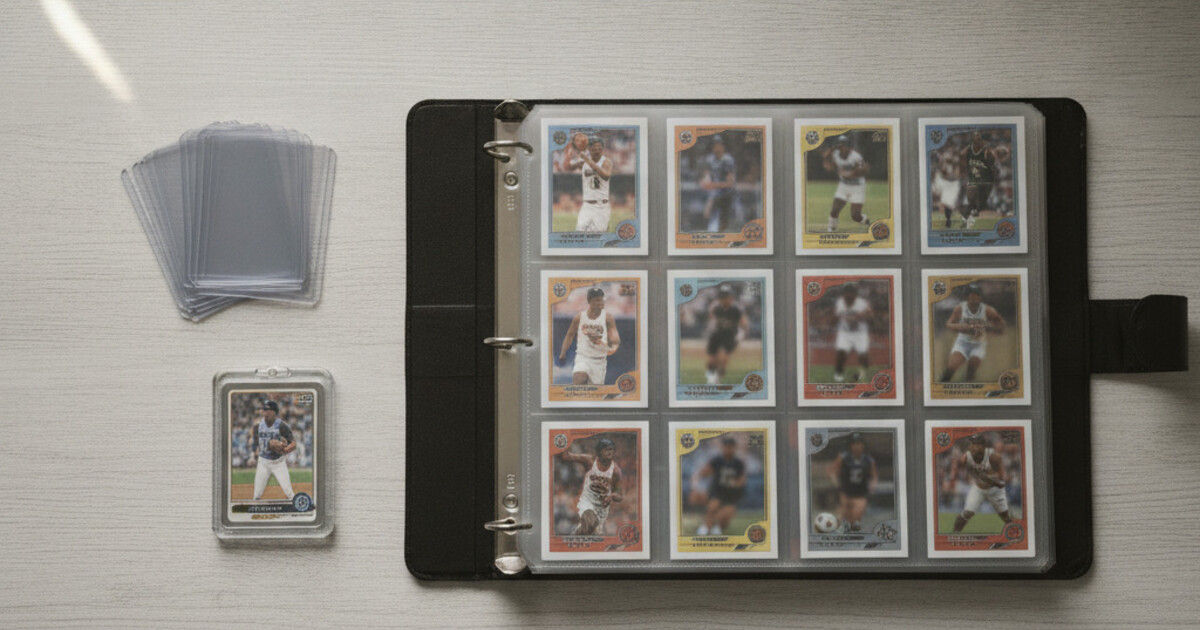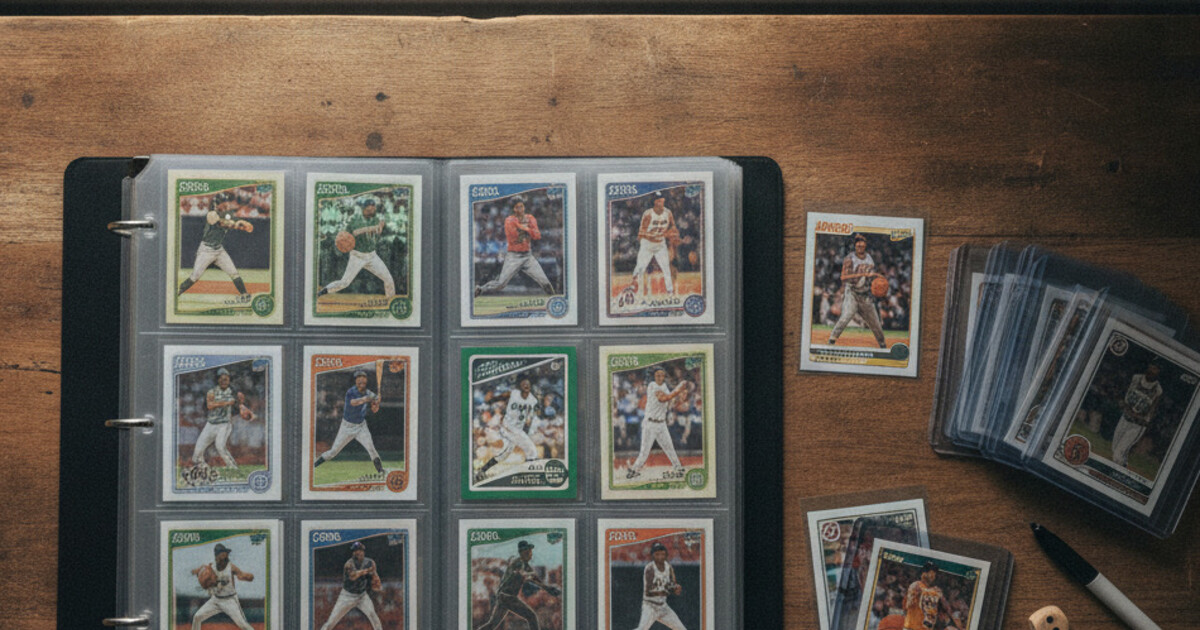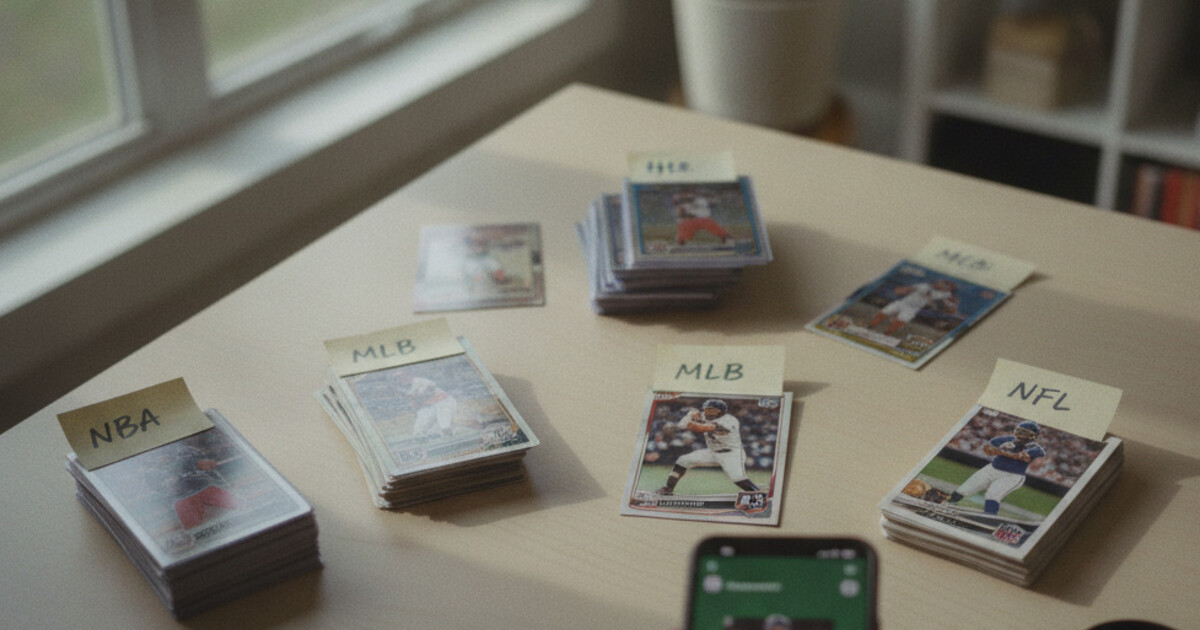

Want to know what your cards are worth? Stakks is free.
A shoebox turns into two shoeboxes. Two shoeboxes turn into a storage bin. Then a closet shelf. Then three bins stacked in the corner. Most collectors hit a point where their card count outgrows their ability to track anything. They know they own the card, somewhere, but can’t locate it or tell you what it’s worth without digging for 20 minutes. Cataloging a large card collection is different from organizing 50 cards in a binder. At scale, the system matters more than the raw effort. This guide walks through the right order of operations, what data to capture, and the fastest way to build a catalog that’s actually usable.
To catalog a large card collection, sort cards into groups first (by sport, player, or set), then scan or log each card’s player name, year, set, card number, and condition. Use a dedicated app or spreadsheet to record every card. For large volumes, a scanner app cuts entry time dramatically versus typing by hand.
Why Sort Before You Scan
Trying to catalog cards one-by-one from a random pile burns you out fast. The right move is to pre-sort before you open any tracking tool.
A useful order:
- By sport first: baseball, basketball, football, hockey in separate piles. Mixed-sport boxes are hard to catalog efficiently.
- By player or value tier within sport: key players and obvious rookies set aside; bulk base cards stacked separately.
- Numbered and autographed cards: these go in their own group to catalog first, since they carry the most value.
Pre-sorting takes about an hour for a 1,000-card collection. It saves 3-4 hours of frustrating double-handling during the actual cataloging session. Once cards are sorted, the work has a clear start and end point instead of feeling like a bottomless pile.
What Data to Capture for Each Card in Your Catalog
Every card in your catalog needs five fields to be useful:
- Player name: the most obvious, and the most important for searching later
- Year: the production year, which sometimes differs from the season year on older sets
- Set name: Topps Series 1, Bowman Chrome, Prizm, Donruss Optic, etc.
- Card number: the printed number on the card back
- Condition: Near Mint, Excellent, Good, Fair, or Poor
For cards with added value, you’ll also want:
- Parallel name: Gold, Refractor, Prizm Silver, and so on
- Serial number: the /50, /99, /10 stamp if present
- Card type: base, rookie, auto, relic
- Current estimated value: from recent sales data
Skipping the set name or card number causes problems later. Two cards can share the same player name, year, and condition but be completely different products from different sets worth 10x different amounts. The card number is the field that makes your catalog searchable with precision.
The Best Way to Catalog Baseball Cards (and Every Other Sport)
The biggest bottleneck in cataloging a large collection is identification. A typical 1,000-card collection contains cards from 20 or more sets spanning multiple decades, sports, and manufacturers. Manual identification requires cross-referencing the card number against Beckett or set checklists, which runs 3-5 minutes per card for unfamiliar sets. That’s 50-80 hours for 1,000 cards. Scanner apps built for sports cards cut that time to under 30 seconds per card by running the card image against a trained database that returns player name, year, set, variation, and current market value automatically. At 30 seconds per card, a 1,000-card collection logs in roughly 8 hours of scanning time, a 6 to 10x speed improvement over manual research for varied collections. The accuracy advantage compounds with obscure parallels and inserts, where visual identification without a database reference is close to impossible for cards from the 1990s and early 2000s.
Scanner apps work well for cards from the mid-1980s onward. Pre-war and early vintage cards (pre-1960) may require manual lookup against specialized checklists, since database coverage thins out significantly for that era.
Two Methods for Cataloging: Scanner App vs. Spreadsheet
If you are still choosing a scanner, our comparison of the best sports card scanning apps covers accuracy and free-tier limits side by side.
Method 1: Scan with an app
Apps like Stakks let you point the camera at a card and get back the identification details (player, year, set, card number, variation, and a live market value estimate) in seconds. You scan the card into a named collection directly, so the catalog builds as you go. This is fastest for mixed collections where you don’t know every card by sight.
Steps to follow:
- Open Stakks and create a new named collection (by sport, player set, or year range, whatever matches your sorting method).
- Scan each card. The app identifies the player, set, and variation automatically.
- Add to the collection. Stakks logs the card details and tracks the collection’s running total value.
- Repeat per pile, creating separate collections as needed.
Method 2: Manual entry into a spreadsheet
Spreadsheets work well if you already know every card and just need a record. Columns to build: Player, Year, Set, Card #, Condition, Variation, Serial #, Type, Value. This fits tight, well-known collections (a team set collector who knows their Topps Heritage set inside out, for example).
For most large collections with mixed or inherited cards, scanning wins on both speed and accuracy. Manual entry on 1,000+ cards also introduces more transcription errors than scanning.
How to Structure Your Catalog
A flat list covering everything becomes hard to use fast. Better to build layers from the start.
Collection level: Group cards by the method that matches how you’ll search for them. Common structures:
- By sport (Baseball Collection, Basketball Collection)
- By player (Luka Doncic PC, Mike Trout PC)
- By card type (Prizm Rookies, Vintage Pre-1980, Graded Cards)
- By value tier (Key Cards, Bulk Base)
Most collectors use a combination. High-value cards belong in their own dedicated collection. Numbered cards, autos, and anything worth over $50 need to be tracked separately from the bulk base cards so you can monitor them closely and check values regularly.
Card level: Every entry should include the five core fields at minimum. For cards you’ve flagged as valuable, add notes for condition details (surface scratches, centering, any print defects) and the purchase price if you have it.
How Many Cards Can You Realistically Catalog Per Session?
Pacing matters. Cataloging fatigue is real, and scanning too long without breaks leads to errors.
Realistic rates:
- Scanner app: 100-150 cards per hour (including moving cards from the pile to the logged stack)
- Manual entry: 20-40 cards per hour for unfamiliar sets
For a 2,000-card collection, budget 3-4 days of 4-5 hour sessions rather than one marathon weekend. You’ll catch identification errors while your focus is still sharp. Cards also get damaged when they’re rushed through handling, so working in shorter sessions protects the collection too.
Keeping Your Catalog Current After the Initial Build
The hardest part of cataloging a large card collection isn’t the first pass. It’s staying current afterward. Cards move in. Cards move out. New acquisitions never get logged. Values shift after a trade, injury, or championship run.
Three habits that keep a catalog accurate:
- Scan new cards at the time of acquisition, before they hit a box. Adding a card takes 30 seconds in a scanner app; tracking it down weeks later takes much longer.
- Review high-value cards quarterly: check market value estimates and update your catalog when conditions have shifted significantly. Stakks tracks portfolio value automatically as you add and remove cards.
- Log removals: when you trade, sell, or give a card away, remove it from the collection immediately. A catalog with phantom cards is worse than no catalog at all.
For a deeper look at how apps and spreadsheets stack up for ongoing collection management, our guide on organizing and tracking a card collection covers the trade-offs in detail.
Protecting Cards During the Cataloging Process
Cards get damaged most often when they’re in motion, not when they’re stored. A few habits that prevent damage during cataloging:
- Work on a clean, flat, soft surface (a microfiber cloth works well).
- Wear cotton gloves for vintage and high-value cards.
- Sleeve each card as you scan it rather than restacking unsleeved cards in a pile.
- Lift and place cards; don’t slide them across hard surfaces.
Once you’ve finished cataloging, get everything into proper storage. How to Store Sports Cards covers the full supply hierarchy from penny sleeves to one-touch magnetic cases and the right environment for long-term storage.
Frequently Asked Questions
How do I catalog thousands of sports cards efficiently?
Sort into groups first by sport, then by player or set. Then scan each card using a scanner app to auto-identify player, year, set, and variation. Scanning takes under 30 seconds per card compared to 3-5 minutes for manual lookup on unfamiliar sets. A 1,000-card collection logs in roughly 8 hours of scanning time.
What information should I record for each card in my catalog?
At minimum: player name, year, set name, card number, and condition. For valuable cards, also record the parallel name, serial number, card type (auto, relic, rookie), and a current value estimate from recent eBay sold listings or a scanner app’s live data.
Is a spreadsheet or an app better for cataloging a large card collection?
Apps are faster for large, mixed collections because scanner identification removes hours of manual cross-referencing. Spreadsheets work fine for tight, well-known collections. The main drawback of spreadsheets is that they need separate price lookups and don’t update values automatically.
Can I catalog cards in stages rather than all at once?
Absolutely. For most people that’s the right approach. Catalog your highest-value cards first (numbered, autos, graded), then work through the rest in sessions. You capture the important inventory quickly without burning out on bulk base cards.
How often should I update a sports card catalog?
Add new cards at the time of acquisition. Review values on key cards quarterly, or after major news events (player trades, injuries, championship wins) that move market prices significantly.
If you’ve got a pile of cards and no clear picture of what you own, Stakks can cut through the identification work fast. Point the camera at a card and get the player, year, set, variation, and current market value in seconds. Build your catalog collection by collection and track what everything is worth as you go. Download Stakks free on the App Store or Google Play.