
Want to know what your cards are worth? Stakks is free.
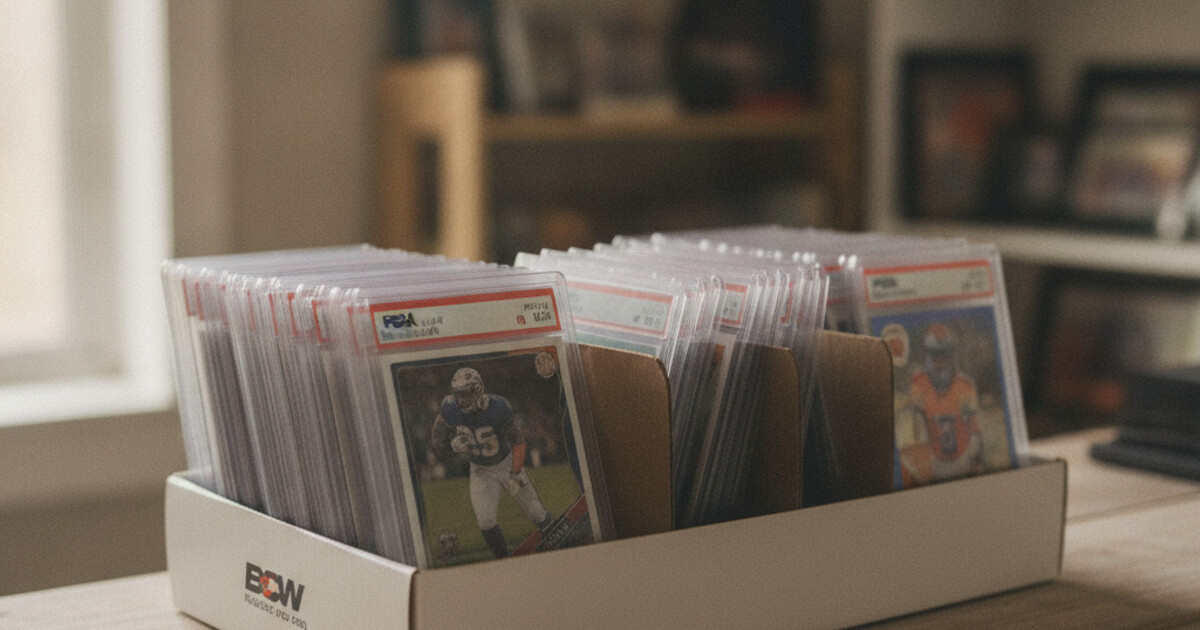
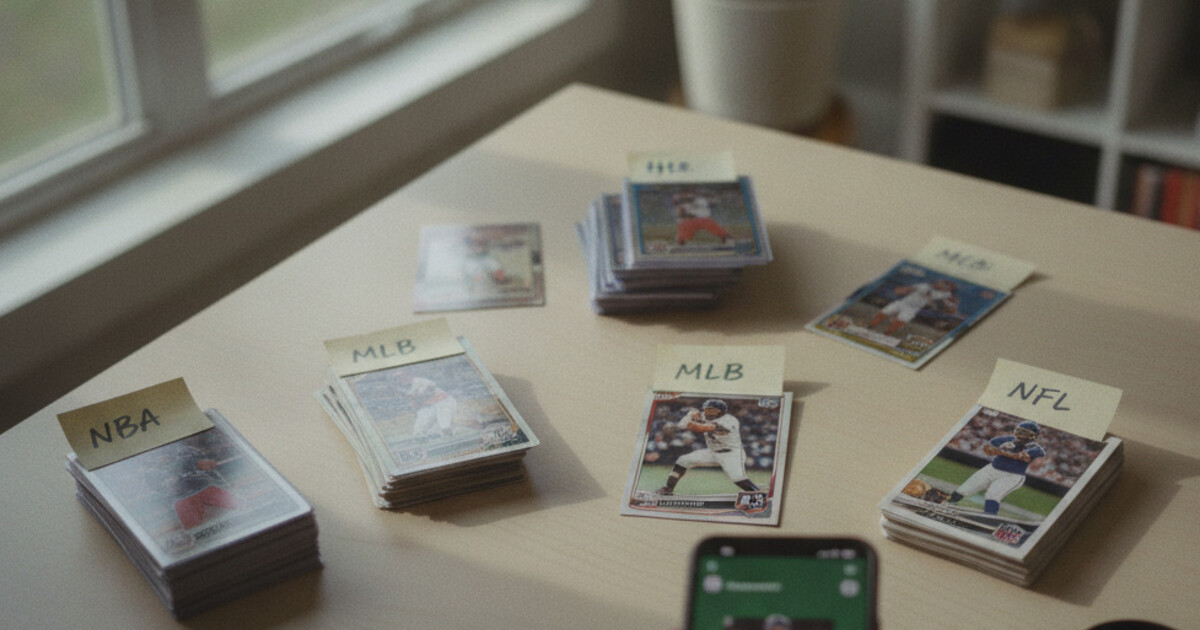
Sports card inventory gets complicated fast. You start with a shoebox, sort things loosely by sport, and figure you’ll organize it properly later. Then someone asks what your Doncic rookie parallel is worth, and you realize you don’t actually know what you have or where it is.
Most collectors solve this with a spreadsheet. It’s free, flexible, and works fine at first. But once a collection grows past a few hundred cards, the manual tracking becomes its own problem. Parallel variants, numbered editions, and shifting market prices don’t fit neatly into rows you update by hand.
A sports card inventory app handles that layer automatically. Here’s when each approach makes sense and how to build a working system that actually holds up.
For sports card inventory, a dedicated app beats a spreadsheet for most collectors once you’re past 100-200 cards. Apps like Stakks scan each card with your phone camera and pull the player, set, year, brand, rarity, and estimated market value automatically. Spreadsheets work for smaller collections but can’t pull live pricing or sort parallel variants without significant manual effort per card.
Why Spreadsheets Fall Short for Sports Card Inventory
A spreadsheet gives you blank cells. You fill them in. That’s the whole system.
For 50 cards, that’s fine. You type the player name, set, year, and a rough value you looked up somewhere. Totaling the collection takes a formula and a few minutes.
The problems stack up as your collection grows. Sports card collections compound in complexity quickly. The 2018-19 Panini Prizm Luka Doncic base card ships alongside a Silver parallel, a Red /299, a Purple /49, a Gold /10, and a Black 1/1 inside the same product. Each parallel carries a distinct market value: the base trades at $40-60 raw, the Silver at $200-500, the Gold /10 at $800-2,000, and a Black 1/1 has cleared $10,000 at auction. Logging those distinctions accurately in a spreadsheet requires recording the parallel name, print run, estimated condition, and set year for every single card, then re-checking each value as the market moves. A scanner app extracts all four variables from one photo and pulls current market comps automatically, cutting out the need to cross-reference eBay sold listings per card. For collections spanning multiple sports and product lines, that difference adds up to hours per session.
That’s the core breakdown. Spreadsheet data goes stale fast. Card markets move particularly hard on rookies during their first 1-2 seasons. The value you typed three months ago might be off by 50%, and you’d have no way of knowing without manually going back and checking each card.
There’s also the lookup problem. Want to know what a specific Patrick Mahomes numbered parallel is worth right now? With a spreadsheet, you’d find the row, check the value, then go look up whether it’s current. With a scanner app, you scan the card and get an answer in seconds.
The other issue is entry errors. Parallel names are long and specific: “2020 Panini Prizm Draft Picks Silver Prizm” is easy to get wrong three different ways. Typos and inconsistent naming make it hard to search your own collection reliably.
What a Sports Card Inventory App Does Differently
A scanner app starts with the card itself, not a blank field.
You hold a card up to your phone camera. The app identifies it by matching the visual against a card database: player, team, sport, year, set name, brand, card number, rarity, parallel name, condition. All of that comes from one scan, no typing required.
With Stakks, each scan also pulls a live estimated market value, a low-to-high price range, and a trend indicator showing whether the card’s market has moved up, down, or stayed flat. Those values are estimates from aggregated sales data, not guaranteed prices, but they’re far more current than anything you’d maintain manually.
The organization layer follows. You create named collections in Stakks: one for baseball, one for basketball, one for cards you’re considering selling, or whatever structure fits how you collect. The app shows a total estimated collection value per group and lets you mark favorites for quick access.
Scan history also stays logged automatically. If you scanned a card six months ago, it’s still in your history with the identification data intact.
That’s the core loop: scan, identify, add to a collection, see what it’s worth.
When a Spreadsheet Still Makes Sense
A spreadsheet works well in a few specific situations.
Small collections under 100 cards are an obvious case. If you’re not tracking value seriously and want something lightweight, a spreadsheet is fast to set up and easy to share. No download, no account, and you can add custom columns for anything you want: trade history, purchase price, lot numbers.
Spreadsheets also work as a secondary record alongside a scanner app. Some collectors use Stakks for current values and scanning, then keep a separate spreadsheet for acquisition costs and insurance documentation. Insurance riders sometimes need a specific format that a spreadsheet handles better than an app export.
The gap between the two widens the moment you’re dealing with numbered cards, parallels, or anything requiring exact print run data to assess value. Manual entry gets those details wrong more often than it gets them right.
How to Build Your Sports Card Inventory with Stakks
Starting from scratch takes less time than most collectors expect.
Create your first collection. Open Stakks and set up a named collection before you start scanning. One catch-all collection works fine to start. You can split by sport, player, or value tier later once you see what you have.
Scan each card. Hold the card steady in decent light and let the scanner identify it. The app displays the player, set, year, brand, rarity, and estimated value. Review the identification before adding it to your collection.
Check the value details. Each card shows a low-to-high price range plus a trend note. For cards you’re unsure about, this gives you a fast read on whether a card is worth digging into further before you trade or sell.
Review your collection total. Once you’ve scanned a batch, the collection view shows a total estimated value. That number updates as market data refreshes, so you’re looking at current comps rather than what you entered six months ago.
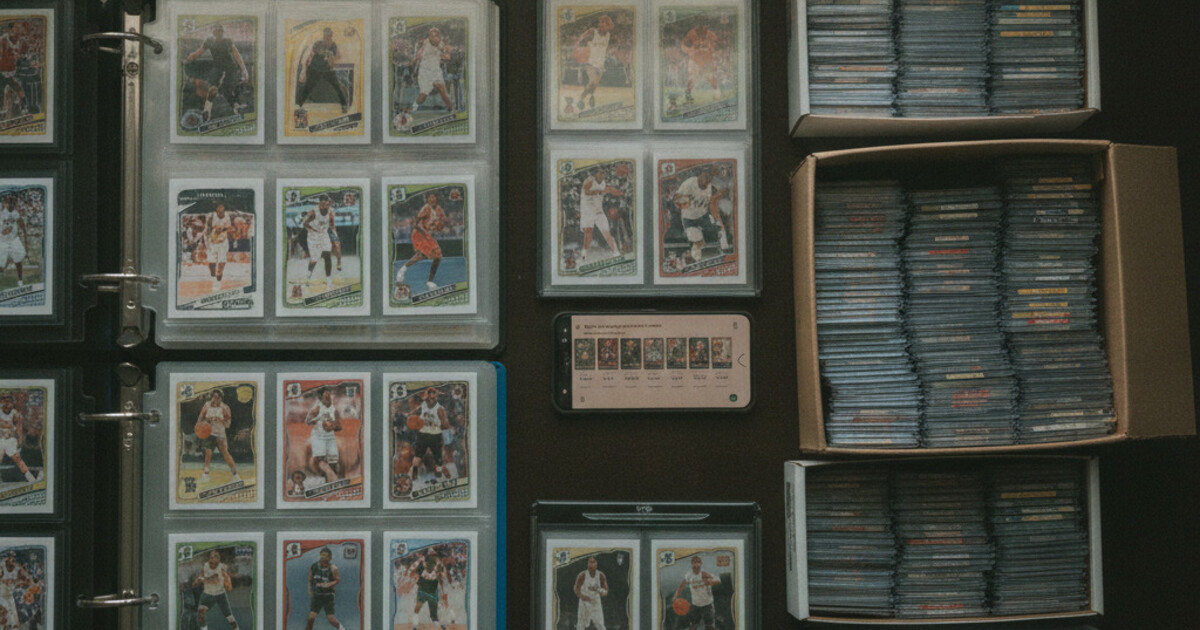
For large collections, work in batches by box or binder rather than trying to scan everything at once. 50-100 cards per session keeps the process manageable and lets you course-correct if the app misidentifies something.
Once your inventory is built, the natural next step is protecting what you’ve cataloged. The guide on how to store sports cards covers the full supply hierarchy from penny sleeves to screwdown cases, including the environmental conditions that slow down condition loss. For tracking how your collection’s total value changes over time, how to track sports card portfolio value walks through check frequency by card type and what to watch for as individual markets move.
Frequently Asked Questions
What is the best app to catalog a sports card collection?
Stakks is one of the simplest options for cataloging sports cards. You scan each card with your phone camera and the app identifies the player, set, year, rarity, and current market value automatically. It also lets you create named collections to keep everything organized.
Can you use a spreadsheet to track sports cards?
A spreadsheet works for small collections under 100 cards. Once you’re dealing with parallel variants, numbered cards, and multiple sets, manual tracking becomes slow and error-prone. A scanner app handles those details automatically from a single photo.
Does a sports card inventory app show current values?
Stakks shows a live estimated market value per card, including a low-to-high price range and a trend indicator. These are estimates based on recent market data, not guaranteed sale prices.
How long does it take to catalog a sports card collection?
With a scanner app like Stakks, most collectors can process 20-30 cards in a few minutes. A spreadsheet takes significantly longer per card because you’re entering every detail by hand. For a collection of 500 cards, the time difference adds up fast.
Is Stakks free to use for inventory tracking?
Stakks has a free tier that covers scanning, identification, and collection tracking. Advanced and higher-volume features sit behind the Pro subscription.
Building a sports card inventory doesn’t have to mean hours of manual data entry. Scan your collection into Stakks, create named groups that match how you think about your cards, and let the app keep the pricing current. Download Stakks on iOS or Android to get started.